01 · Add & track
Track by link or handle
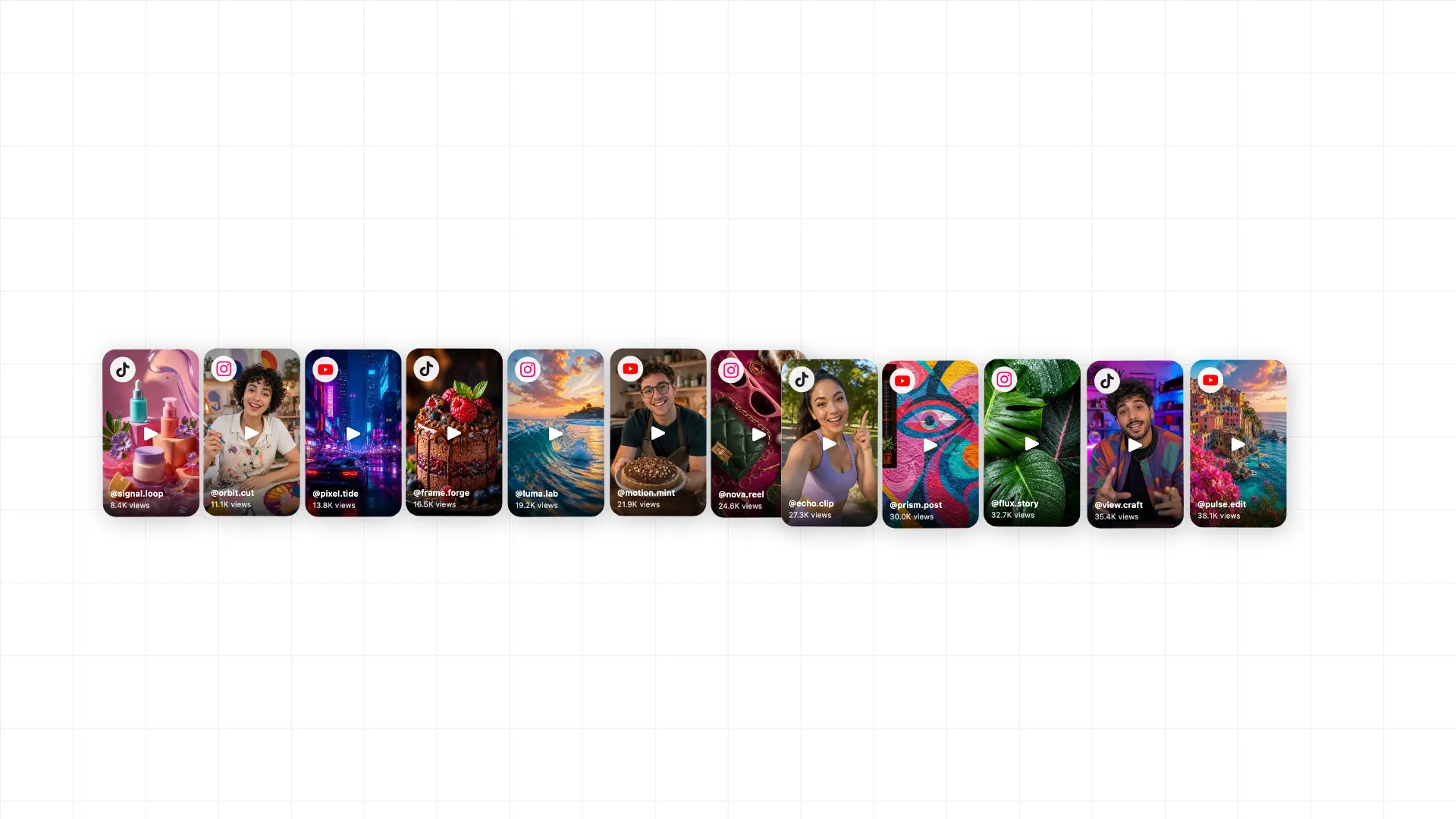
Paste any public TikTok, Reel, Short or Facebook Reel, or add a creator's handle to pick up new posts. Creators never log in or connect accounts.
Tracking starts in seconds
Tracks public videos onTracksTikTokReelsShortsFacebook
For UGC agencies, app founders and brands working with many creators
Plan your brand's content, schedule posts and track public creator videos. Turn the results into reports your clients can open — all in one workspace.
Free: 20 videos refreshed weekly, no card · Paid plans refresh daily and start with a 14-day free trial, no card
Publishing is in early access. Request access →
Example workspace · fictional data
Spring app launch · creator campaign
This week · Sep 22–28
Top videos this week
206 of 212 videos have today's snapshot · 6 waiting for the next refresh
| Creator | This week | Total views |
|---|---|---|
| @mila.makes | +412K | 1.9M |
| @studio.north | +286K | 740K |
| @everyday.objects | +191K | 512K |
| @kitchen.lab | +97K | 203K |
Publishing & scheduling
Prepare your brand's posts, choose the accounts and publish now or schedule ahead. Keep drafts, upcoming posts and publishing results together in ViewTracker.
Switch between month, week and day. Filter by brand profile or platform and plan in your time zone.
Reels, Stories, videos, photos, carousels or text posts, depending on the platform. Save a draft or set a publishing time.
Group connected accounts into profiles, choose each destination and add an optional first comment where supported.
Publishing is in early access. Contact us to enable it for your workspace.
Publishing calendar
November 2026 · Sample week
Mon
2
Tue
3
Wed
4
Thu
5
Fri
6
Sat
7
Sun
8
Wednesday, November 4
3 posts · 5 destinations
A morning worth sharing
Studio North · Reel
A note from the team
Studio North · Text post
Meet your new favourite
Everyday Objects · Video
Features
Collect public metrics, organize every creator and campaign, and turn the numbers into a clear next step.
Paste any public TikTok, Reel, Short or Facebook Reel, or add a creator's handle to pick up new posts. Creators never log in or connect accounts.
Tracking starts in seconds
Get a message in Slack, Discord or Telegram when a video passes a milestone, beats a views-per-hour threshold or grows several times faster than usual.
Boost winners while they're rising
Group creators into campaigns, log spend to see CPM and CPV, and share a branded report your client can open without an account.
One link instead of a spreadsheet
Compare videos at the same age — first 24 hours or first 7 days — instead of a 3-week-old post against yesterday's.
Reports show how many videos have a current snapshot. A missing number is shown as “—”, never as zero.
Flat, CPM or milestone payouts with per-video and per-creator caps and a campaign budget. Videos with engagement far below the creator's usual, sudden spikes or views parked at a payout threshold go on hold until someone reviews them.
Keep a saved video view in a spreadsheet on a daily or weekly schedule, next to CSV export and the API.
Your client's logo and colour, a live link or fixed snapshot versions, and a weekly report sent automatically.
Search TikTok and YouTube Shorts by topic and see which videos beat their creator's usual views — then track the best as examples.
See how it fits your team: UGC agencies · App founders
How video tracking works
Public videos and profiles work. No social login, tokens or creator setup required.
Keep a client, launch or creator program together so the right comparison is one click away. Creators can submit their own links through a portal.
Growth and milestone alerts tell your team where attention is building, from one daily snapshot to the next.
Pricing
Plans from $29 a month, with regular monitoring and a clear monthly data allowance. Start with a 14-day free trial — no card needed. Annual billing saves 20%.
Track 20 videos for free
20 videos and 2 creators, refreshed weekly within 200 monthly data credits. No card, no expiry.
No card required
Your first creators, up to 5 creators
For a founder or brand testing UGC with a few creators.
$29/mo
Billed monthly
14-day free trial · no card
One creator program, up to 15 creators
For a brand or app running its own creator program.
$49/mo
Billed monthly
14-day free trial · no card
A growing program, up to 30 creators
For a team running 15–30 creators, or an agency with its first clients.
$99/mo
Billed monthly
14-day free trial · no card
Several programs or clients, up to 50 creators
For growing teams and agencies with a handful of clients.
$239/mo
Billed monthly
14-day free trial · no card
Many clients, up to 500 creators
For agencies running creator programs across many clients.
$399/mo
Billed monthly
14-day free trial · no card
Need a few more creators? Add them to any paid plan for $4 per creator per month.
| Limit | What it means | On Pro |
|---|---|---|
| Saved videos | How many videos and their history you can keep. Videos outside your monitoring slots update only when requested. | 1,000 |
| Monthly data credits | Shared by video refreshes, imports, account updates, discovery, hashtag searches and ad checks on eligible plans. Resets on the first day of each month (UTC), including annual subscriptions. Collection pauses at the limit; no automatic extra charges. | 8,000 |
| New videos per 24 hours | How many videos you can add in any rolling 24-hour window. Removing a video doesn't hand back that day's addition. | 1,000 |
| Regular monitoring | Your newest videos fill these slots automatically, or you can pin a video. Scheduled and manual collection both use the shared data credits. | 250 every 24h |
Compare every plan feature · Need custom limits? Talk to us about Enterprise
Teams that pay or manage many short-form creators: UGC agencies reporting to clients, app founders running creator programs, and brands working with dozens of creators at once.
No. Public data only. ViewTracker records the public view, like, comment, share and save counts that TikTok, Instagram, YouTube and Facebook show on public videos and profiles. Creators never log in, share passwords or connect their accounts. Private and deleted videos can't be tracked. If you run campaigns, creators can optionally submit their video links through a simple creator portal.
Yes. Publishing is available in early access for connected Instagram, Facebook, Threads, TikTok and YouTube accounts. Create a draft, choose the destinations, then publish now or schedule ahead. See upcoming and completed posts in a month, week or day calendar. Contact hello@viewtracker.ai to request access for your workspace.
Connect the brand accounts you manage to authorise publishing, then group them into profiles. Supported formats include Reels, Stories, videos, photos, carousels and text posts; formats and optional first comments depend on the platform. Public video tracking works separately and does not require a creator login.
Regular monitoring runs every 24h (Starter 100, Pro 250 and Growth 500) or every 12h (Ultra 500 and Scale 750), within your shared monthly data credits. Free refreshes weekly within 200 monthly credits. Videos outside monitoring slots keep their history and refresh only on request, using the same credits. Imports, account updates, discovery and hashtag searches also use credits. Collection pauses when credits run out; saved data stays available and there are no automatic extra charges.
Public TikTok videos, Instagram Reels, YouTube Shorts and Facebook Reels, compared side by side in one workspace.
Yes. Each campaign has a branded report with your client's logo and colour. Share a live link, save fixed snapshot versions, or send one automatically every week to Slack, Discord, Telegram or a webhook.
A creator is a person, not a social account: all of a creator's linked TikTok, Instagram, YouTube and Facebook accounts count as one. Accounts that aren't linked to a creator profile count individually.
Every plan includes CSV export and scheduled Google Sheets sync. Growth and Ultra and Scale also include the REST API and signed webhooks.
Yes, and it needs no card. Starter, Pro, Growth, Ultra and Scale each start with a 14-day free trial that tracks up to 200 videos and includes 2,000 data credits for the entire trial, with or without a card. Add a card whenever you're ready and billing starts when the trial ends; if you don't, nothing is charged and you can continue on Free. One trial per person and per company email domain. Free itself tracks 20 videos with no card and no expiry.
Start today
Plan your brand's content and keep creator performance in view. Track public videos today, and request early access to publishing when you're ready to schedule.
Start free

